

Purpose
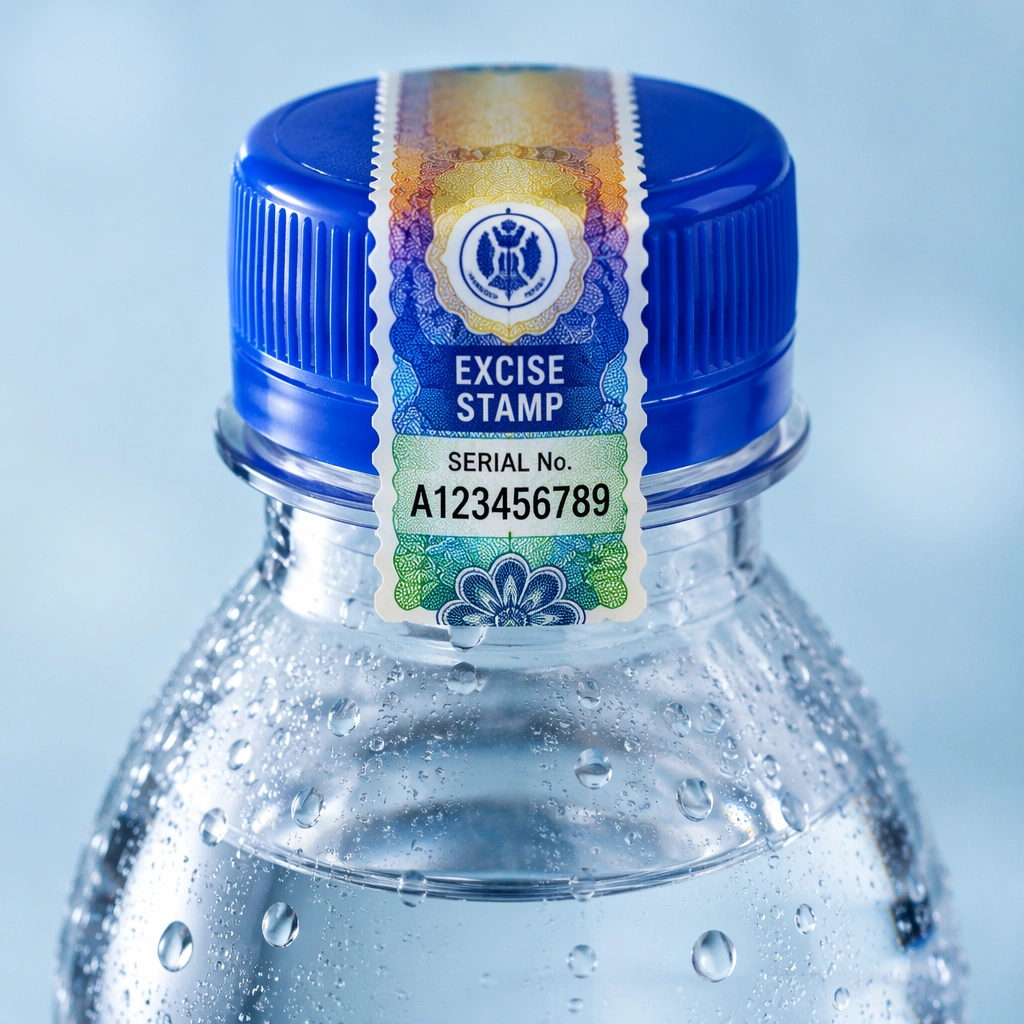
These guidelines provide taxpayers with the standard procedure for initiating, submitting and completing the return of unused V4 excise stamps through the Excise Goods Management System (EGMS) and the subsequent physical return of the stamps to KRA.
Scope
The guidelines apply to all licensed manufacturers and registered importers of bottled water holding unused V4 excise stamps as at 1st July 2026.
How the Return Process Works
The taxpayer shall be required to initiate the return of the unused excise stamps through their EGMS account.
Procedure for Returning Unused V4 Excise Stamps
Taxpayer shall be required to log into EGMS with valid credentials and the necessary system rights to access the Operations module on EGMS to initiate the return of the unused excise stamps.
Upon submission of the excise stamps return request in the EGMS system, KRA shall process the application and either approve or reject the request.
The process of returning unused excise stamps consists of the following stages:
a) Return of full packaging units (stamp reels) in EGMS.
b) Return of individual paper stamps or a range of paper stamps in EGMS.
c) Physical return of the excise stamps to KRA Vault.
Where the Application Is Rejected
The taxpayer shall get a notification stating the reasons for rejection through their EGMS registered email address.
Where the Application Is Approved
The taxpayer shall get a notification stating the next course of action through their EGMS registered email address.
Reimbursement Assessment
Where applicable, KRA shall determine whether the taxpayer qualifies for reimbursement in accordance with the applicable laws and procedures.
Select the Type of Stamps You Are Returning
Follow the procedure that corresponds to the unused excise stamps in your possession.
Full Packaging Units
Excise stamp reels.
View Packaging Unit Steps →Individual or Range of Paper Stamps
Individual paper stamps or a range of paper stamps.
View Paper Stamp Steps →4.1 Return of Full Packaging Units (Excise Stamp Reels) in the EGMS System
Once you log into your EGMS system account;
Select Operations > Return of Packaging Units to display the form with mandatory selections/entries marked with *.
The EGMS site will automatically populate for taxpayers with one site. For taxpayers with many sites, select the relevant site in the Manufacturer/Importer field.
Then select Reason → damaged or defective
Enter the Packaging Unit number in the Packaging Unit Id field. The PU Id is composed of 1 letter (E, R or P) followed by 15 numerical digits.
To have funds reimbursement of the PU(s) you are returning, DO NOT TICK the Request replacement check box. This means that your EGMS account will be credited once your return request is approved.
Click the Add button.
Result: the table is populated with the corresponding PU information: Barcode, PU Type, Status and Location.
If you wish to add more Packaging Unit Ids, then redo steps 4 and 6 above. If you wish to remove the Packaging Unit from the table before confirming any actions, then click on the associated icon.
Click on the Confirm Return button to continue.
Result: The Confirm Return of Packaging Units window is opened, to enter your valid EGMS credentials.
Click the Confirm button to place a request for a Return of PU to KRA. Result: A message Operation completed successfully is displayed in the main window.
4.2 Return of Individual or Range of Excise Paper Stamps in the EGMS System
Once you log into your EGMS system account, follow the following steps;
To have funds reimbursement of the individual stamp(s) or stamp range(s) you are returning, DO NOT TICK the Request replacement check box. This means that your EGMS account will be credited once your return request is approved.
Select Operations > Return of Stamps to display the form with mandatory selections/entries marked with *.
Then enter the following information:
a) Select a Manufacturer/Importer from the drop-down list. Select a Reason → damaged or defective
b) Enter the Label barcode number in the open field provided. To declare the return of a range, input the stamp serial numbers separated by a hyphen. However, if you wish to declare the return of individual stamp labels, which may not necessarily follow one another concurrently, input individual stamp serial numbers separated by a comma.
Click the Add button. If you wish to add more Barcode labels to the list, then redo step 2 above.
If you wish to remove the Barcode label from the table before confirming any actions, then click on the associated Remove icon.
Confirm return by clicking the Confirm Return button and enter valid EGMS credentials.
4.3 Physical Return of Excise Stamps to KRA Vault
Physical Verification
Upon submitting an application in the EGMS system to return the unused V4 Excise stamp, the taxpayer’s respective Tax Service Office (TSO) shall physically verify the returned excise stamps to confirm the quantities and serial numbers against the details submitted in EGMS.
Book a Vault Appointment
Upon verification, the taxpayer shall book an appoint for the physical return of the unused excise stamps to the KRA Vault by emailing:
DTEDvaultoperations@kra.go.ke
Copy: egmshelp@kra.go.ke
Tel: 0709 013 504 / 0709 013 939
Deliver the Excise Stamps
Upon confirmation of appointment date, deliver the unused excise stamps to KRA vault at Times Tower for receipt and verification by the vault team.
5. Reimbursement Process
Once the stamps are received at the KRA Vault and approved in the system, KRA shall provide further guidance on the process of reimbursement, where they qualify.
Taxpayers shall upon conclusion of the process, pay taxes due, initiate the process of cancellation of their Excise license/import registration certificate and retirement of Excise Security Bond.
6. Assistance
For any clarifications and facilitation, please contact the Enforcement Office on